WhatCode
WhatCode is the OpenCode iOS app: a mobile client that brings OpenCode to your iPhone. It connects to the OpenCode server running on your machine and lets you browse projects, read and continue coding sessions, and get a push notification the moment an agent finishes its work.
Download
Features
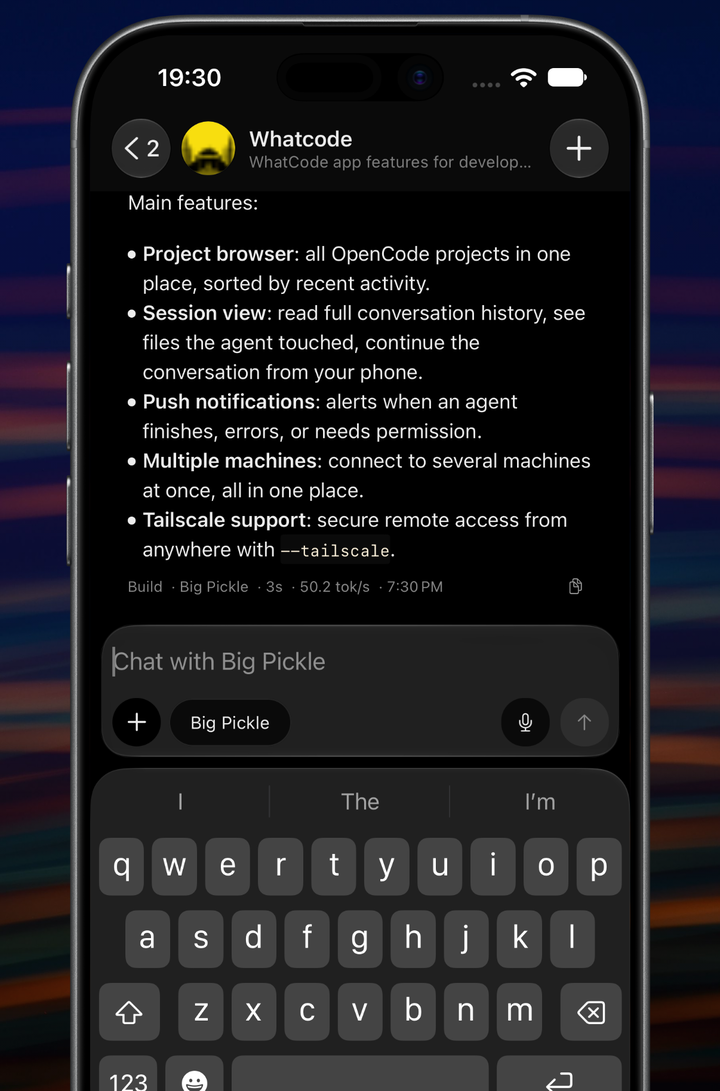
Project browser. All your OpenCode projects in one place, sorted by most recent activity.
Session view. Read the full conversation history of any session, see every file the agent touched, and continue the conversation from your phone.
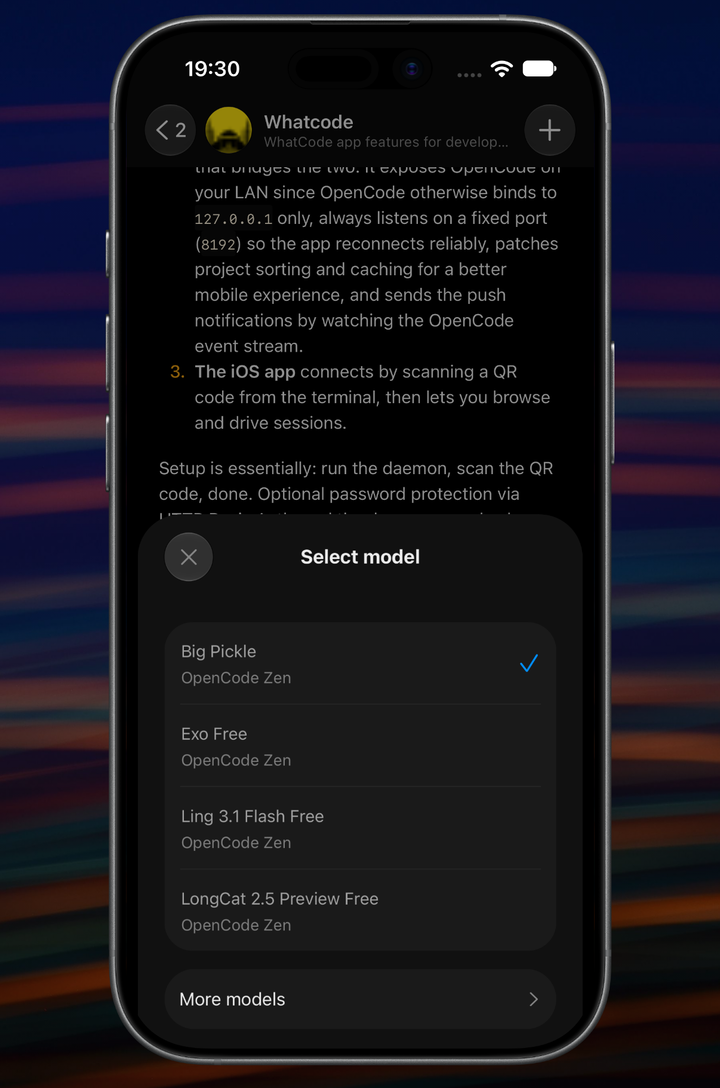
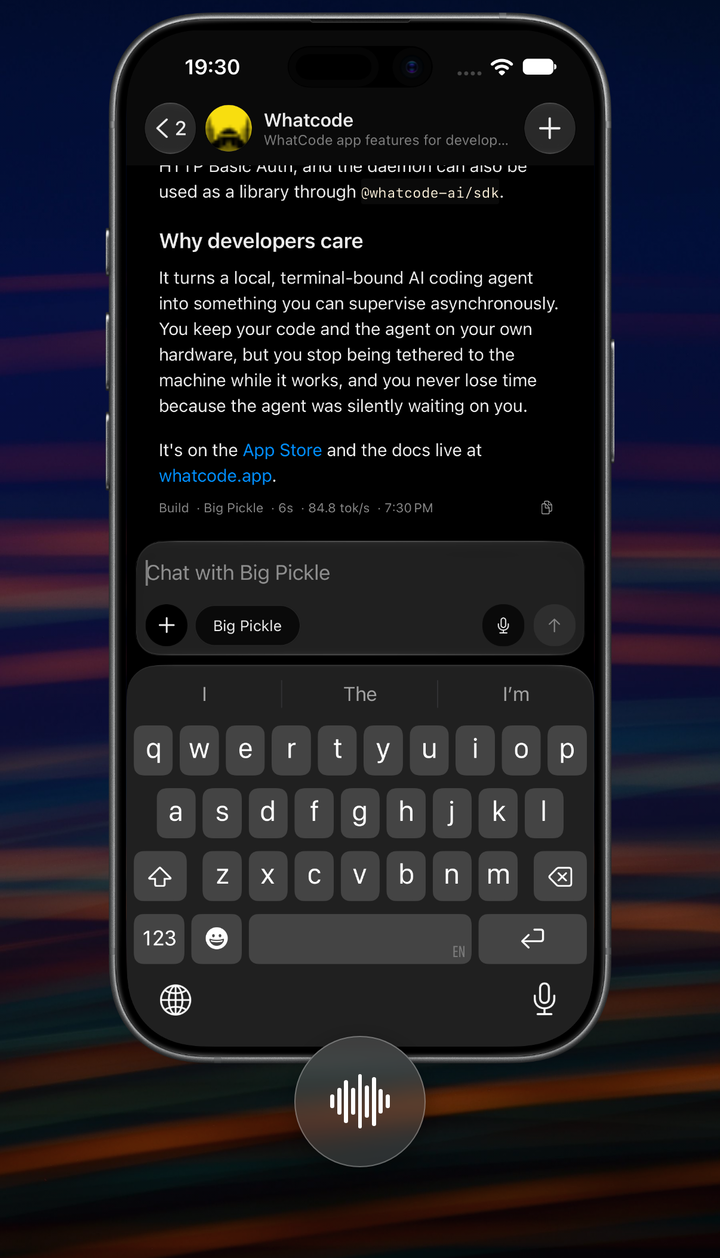
Model picker, voice input and slash commands. Switch models from inside any session, dictate prompts instead of typing them, and run your OpenCode commands, such as /init and /review.
Push notifications. You are notified when:
- An agent finishes a turn and goes idle
- An agent hits an error
- An agent needs your permission to proceed
Multiple machines. Stay connected to several machines at once, for example a work laptop and a personal desktop. They all show up in one place.
Tailscale support. Start the daemon with --tailscale to connect securely from outside your local network. This requires Tailscale on both your machine and your iPhone. See Daemon.
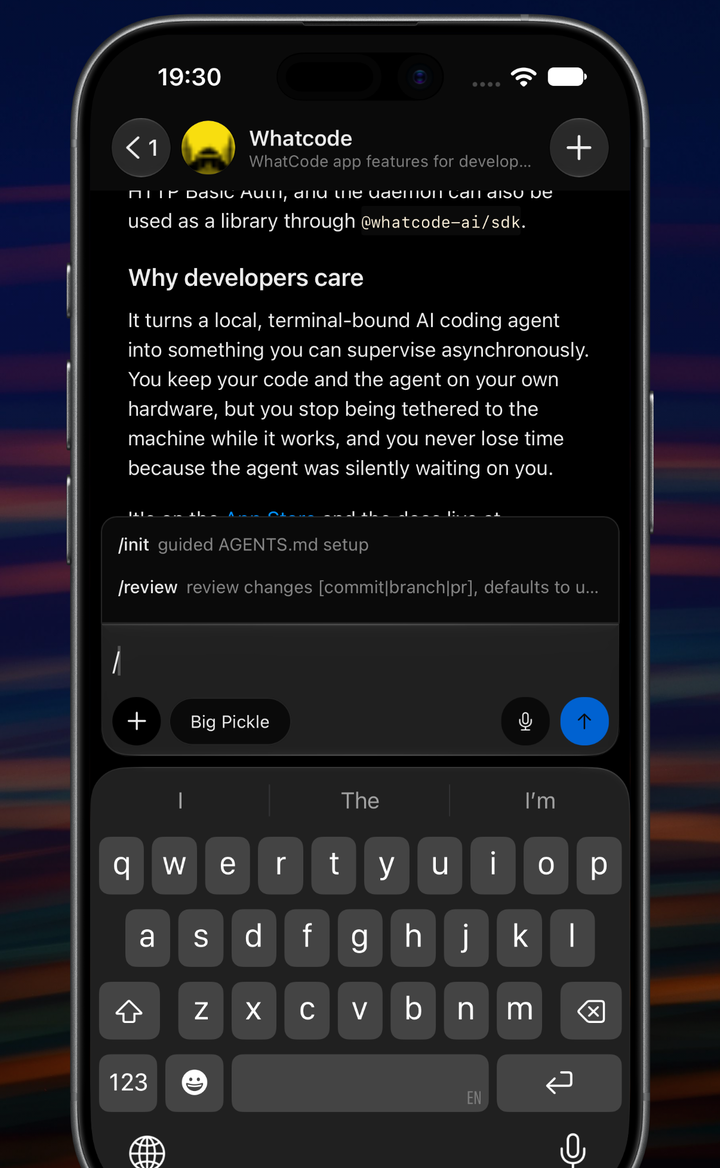
/init and /review.Setup
See Getting Started for the full walkthrough. In short:
- Run
npx @whatcode-ai/whatcode starton your machine. - Scan the QR code with the app.
Connecting manually
If you can't scan the QR code, tap Continue without QR during setup and enter:
- Server URL: the local IP printed in your terminal (e.g.
http://192.168.1.10:8192) or your Tailscale HTTPS URL. - Password: optional, only if you started the daemon with a password (see Daemon).
Notifications
Notifications are delivered via APNs (Apple Push Notification service) through a relay server. The daemon on your machine listens to the OpenCode event stream, detects when a session goes idle or errors, and sends a push through the relay to your device.
Because the daemon reacts to events instead of polling, the notification arrives within seconds of the agent finishing.